
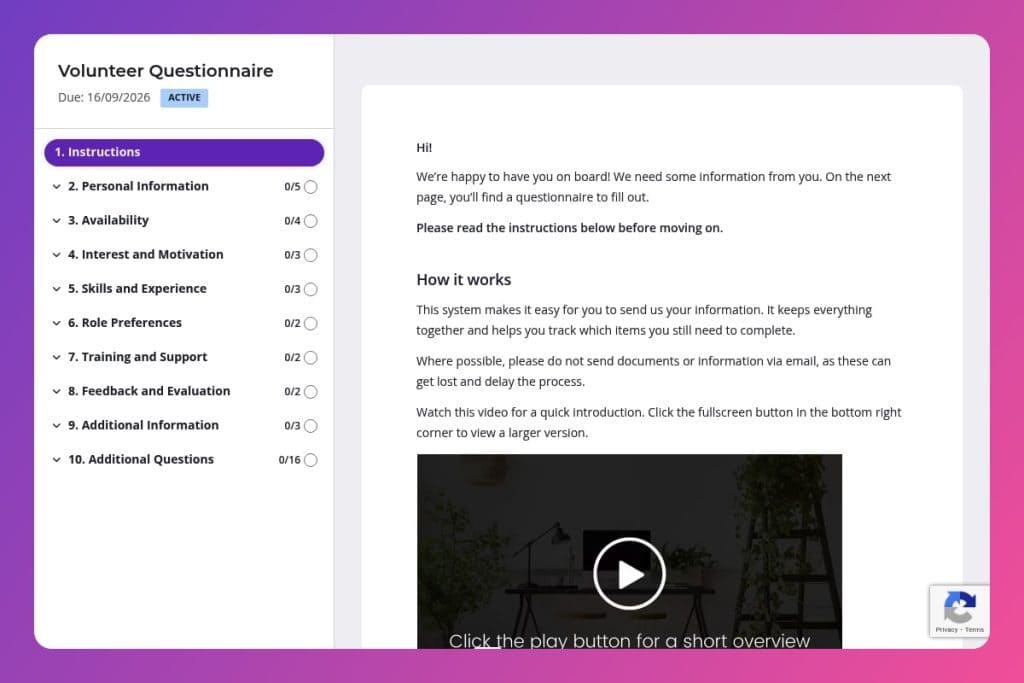


A screening form that collects volunteer contact details, availability windows, relevant coaching experience, role preferences, and training needs before they join your practice.

Coaching professionals and practice managers who need to efficiently match volunteer applicants with appropriate roles based on their skills, schedule availability, and comfort with virtual or in-person work.

Send this immediately after someone expresses interest in volunteering, before any interviews or onboarding, to filter qualified candidates and assign them to roles that match their availability and strengths.
You post a volunteer opportunity for your coaching practice, and applications flood in. Sounds great - until you realize half the responses are missing critical details about availability, skills, or whether they can even work virtually. You're stuck playing email ping-pong to fill in the gaps.
A volunteer questionnaire solves this instantly. It captures everything you need upfront: contact preferences, scheduling availability, relevant experience, role interests, and training needs. No back-and-forth. No confusion. Just qualified volunteers ready to contribute. This post covers what a volunteer questionnaire includes, practical tips for using it effectively, and a free template to get you started. Let's dive in.
Personal Information
Collect only what you need to identify, contact, and segment volunteers without adding friction.
Availability
Capture scheduling constraints to streamline matching, shift planning, and coverage.
Interest and Motivation
Surface intrinsic drivers to improve role fit and retention.
Skills and Experience
Gauge capability and readiness, including tech literacy for virtual delivery.
Role Preferences
Clarify interests and boundaries to avoid misalignment.
Training and Support
Assess onboarding needs and support expectations to right-size enablement.
Feedback and Evaluation
Define feedback loops early to normalize coaching and course corrections.
Additional Information
Provide a catch-all for edge cases, accessibility, and risk flags.
Set clear expectations upfront: Include a brief intro at the top of your volunteer questionnaire explaining what volunteers can expect - time commitment ranges, types of roles available, and whether positions are virtual or in-person. This helps applicants self-select and reduces mismatched expectations before they even hit submit.
Ask about tech comfort early: Don't wait until onboarding to discover a volunteer can't navigate Zoom or your scheduling platform. The "Are you comfortable using technology for virtual sessions or communications?" question is critical - use their answer to assign roles appropriately and plan any necessary tech training from day one.
Use the "not comfortable with" question strategically: When you ask about tasks or responsibilities volunteers prefer to avoid, you're not just being considerate - you're gathering intel on how to structure roles. Someone uncomfortable with administrative work might excel at client-facing support. Match strengths to needs instead of forcing square pegs into round holes.
Follow up within 48 hours: Volunteers lose momentum fast. Once you receive a completed questionnaire, send a personalized response acknowledging their specific interests and availability. Reference something they mentioned - like their coaching experience or preferred communication method - to show you actually read their responses.
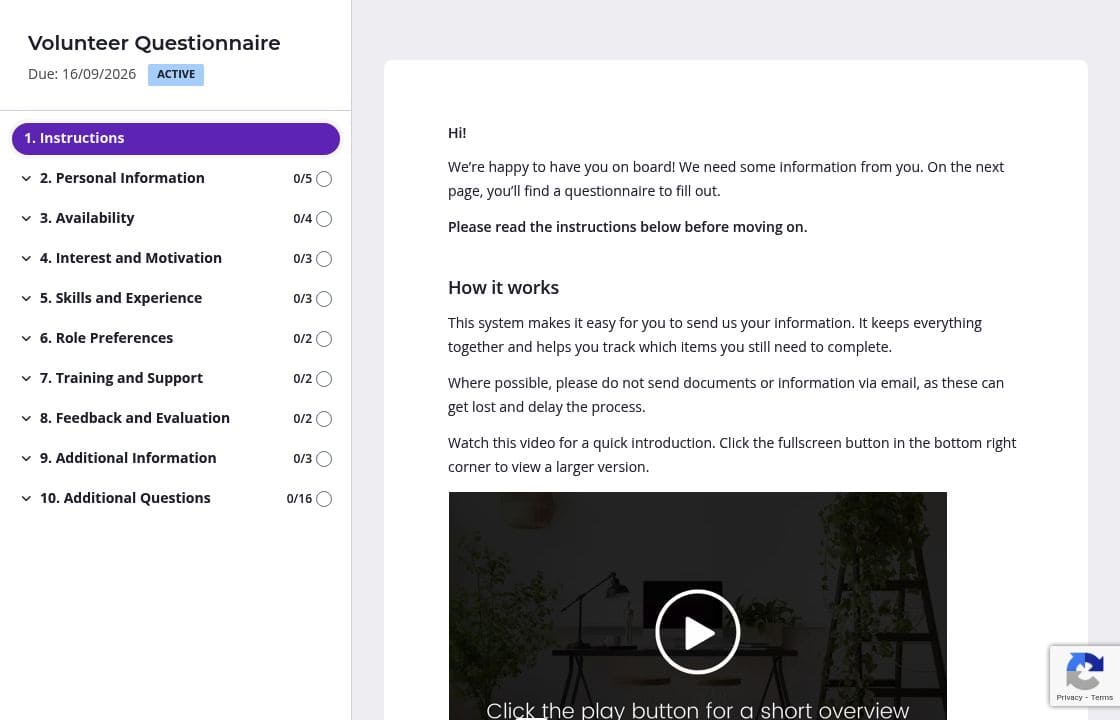
Your volunteer questionnaire covers a lot of ground - personal details, availability, skills, motivations, and preferences. Dumping all of this on one endless page overwhelms applicants. Create separate pages for each section: one for contact info and availability, another for skills and experience, a third for role preferences and training needs. Volunteers can focus on one topic at a time, and the progress indicator shows them they're making headway. You'll get more complete responses and fewer abandoned forms.
The availability questions are where confusion happens most. Someone writes "weekdays" when you need specific days, or says "mornings" without clarifying if that means 6 AM or 10 AM. Add a brief instruction at the top of that section explaining exactly what you're looking for: "We schedule volunteers in 2-hour blocks. Please select specific days and indicate if you prefer 9-11 AM, 12-2 PM, or 3-5 PM slots." Clear guidance means fewer follow-up emails asking people to clarify their answers.
Not every volunteer needs to answer every question. Someone interested in administrative support doesn't need to elaborate on their coaching philosophy, and a virtual-only volunteer doesn't need questions about in-person logistics. Set up conditional logic so the form adapts based on their initial answers about role preferences and location availability. You get targeted information without making everyone wade through irrelevant questions.
Volunteers are busy people doing you a favor. They start your questionnaire during lunch, get pulled into a meeting, and forget to finish. Automatic reminders send a friendly nudge after a day or two, giving them a direct link to pick up where they left off. You're not chasing people down manually, and genuinely interested volunteers get a helpful prompt instead of slipping through the cracks.
You could cobble together a volunteer questionnaire in Google Forms or send a Word doc via email. But then you're manually chasing incomplete responses, copying answers into spreadsheets, and hoping nothing gets lost in someone's spam folder. Content Snare handles all of this automatically while looking professional and keeping everything organized in one place.
Thousands of businesses worldwide trust Content Snare to collect information smoothly - and it shows in the hundreds of 5-star reviews across G2, Capterra, and Trustpilot. The platform is ISO 27001 certified, which matters when you're collecting personal details from volunteers. It integrates seamlessly with tools you already use, so information flows directly into your CRM or project management system without manual data entry.
The interface is intuitive enough that volunteers of any tech skill level can navigate it. Automatic reminders mean you never have to follow up manually. Customizable branding ensures the form feels like a natural extension of your coaching practice, not some generic third-party tool.
This volunteer questionnaire is just one application. Coaches also use Content Snare to:


