
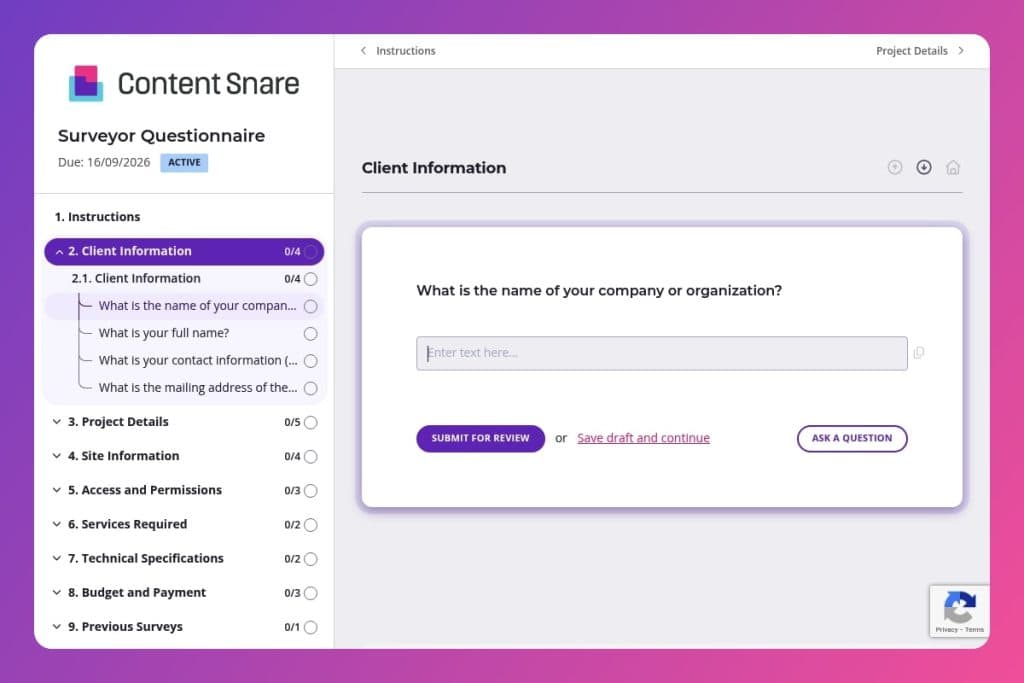


A pre-project intake form that captures site details, access permissions, technical specifications, budget parameters, and project timelines before surveying work begins.

Surveying firms, civil engineering companies, and construction survey departments who need complete project information from clients before dispatching field crews or preparing proposals.

Send it immediately when a client inquires about survey services - before initial consultations, site visits, or proposal development - to eliminate miscommunication and ensure surveyors arrive fully prepared.
How many costly project delays start with miscommunication between clients and surveyors? Missing site details, unclear access permissions, or vague technical requirements can derail timelines before ground is even broken. A surveyor questionnaire solves this by capturing every critical detail upfront - from site constraints and existing structures to deliverable formats and budget parameters.
This post covers what a surveyor questionnaire includes, how to use it effectively with clients and field teams, and a free template you can customize immediately. You'll streamline project kickoffs, eliminate back-and-forth emails, and ensure your surveyors arrive prepared. Let's break it down.
Client Information
Gather the contracting entity, the accountable contact, and the exact site location for records and mobilization.
Project Details
Define scope and scheduling drivers so you can plan crew allocation and sequencing.
Site Information
Establish physical context and constraints to choose methods, equipment, and safety measures.
Access and Permissions
Confirm how the crew will get in and whether legal prerequisites are in place.
Services Required
Pin down deliverables and any add-ons to avoid scope creep.
Technical Specifications
Lock down required standards and data outputs to align field coding, control, and CAD/GIS workflows.
Budget and Payment
Align scope to budget and set up billing details before mobilization.
Previous Surveys
Identify existing data you can reuse to reduce effort and resolve datums and benchmarks.
Additional Information
Surface any atypical requirements that could affect logistics, safety, or reporting cadence.
Send it before the first call: Share the surveyor questionnaire when a client first inquires about services. You'll have their project details, site constraints, and budget parameters in hand before you ever meet, making initial conversations far more productive and focused.
Flag the "Previous Surveys" section early: If clients have existing survey documents, you need them during scoping - not halfway through fieldwork. Explicitly ask clients to attach or reference previous surveys in their submission. This prevents duplicate efforts and catches boundary discrepancies before they become problems.
Use it to qualify leads faster: The budget and project timeline fields tell you immediately whether a project fits your capacity and pricing structure. You can prioritize high-value opportunities and gracefully redirect clients who aren't the right fit, saving hours of back-and-forth proposals.
Create a pre-site visit checklist from their answers: Once submitted, review the Access and Permissions section and Site Information fields to prepare your team. Note access restrictions, environmental constraints, and on-site contacts. Your crew arrives knowing exactly what to expect and who to call if issues arise.
Follow up on vague technical specifications: Clients often leave fields like "specifications or standards" incomplete or answer with generic terms. Circle back with specific options - state standards, ALTA/NSPS requirements, or local municipality codes. Clarifying this upfront prevents costly re-surveys and ensures deliverables meet regulatory requirements the first time.
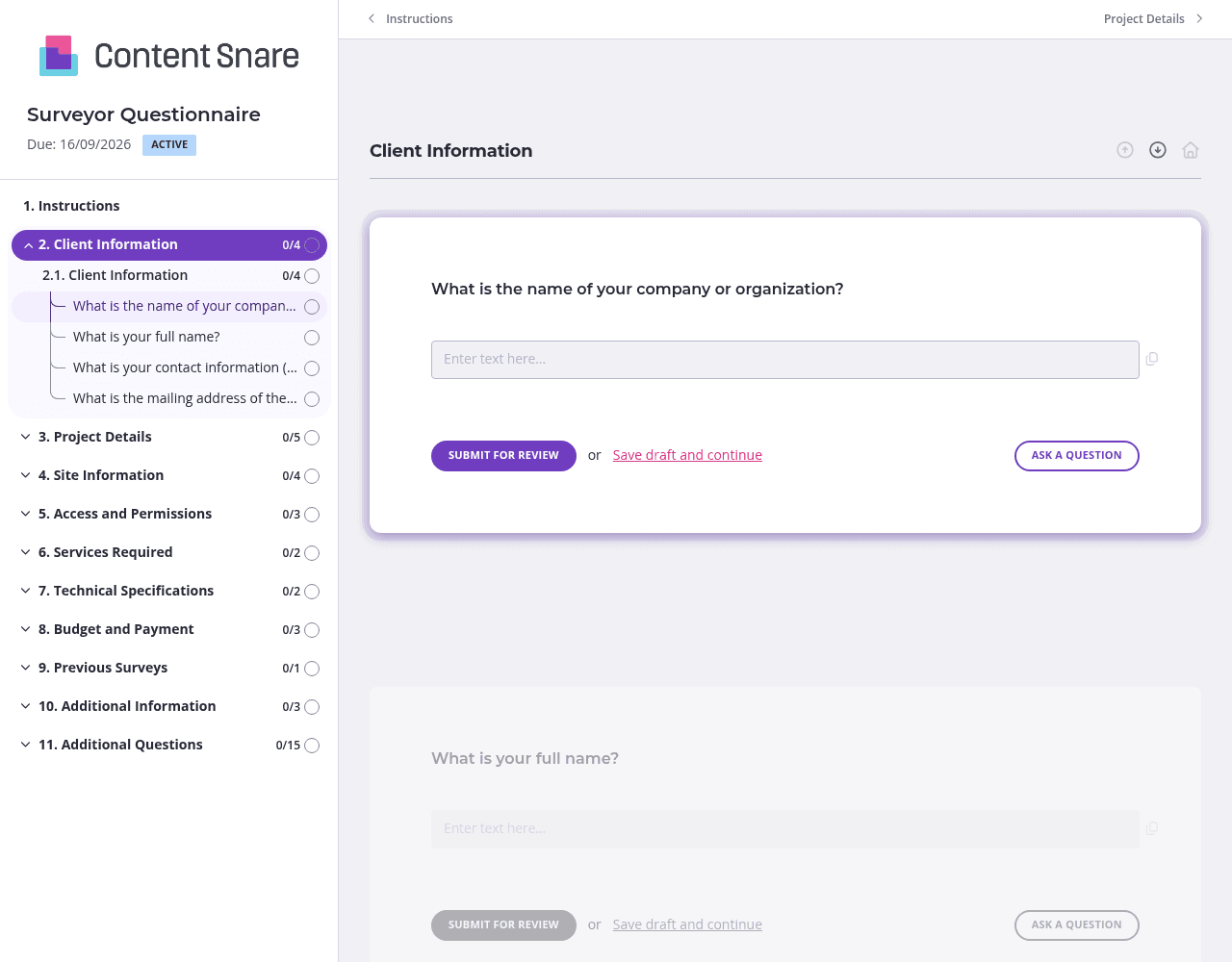
You likely already know the client's name, company, and project address before sending the questionnaire. Pre-fill those fields in the Client Information and Site Information sections so clients don't waste time entering details you discussed on the phone. Delete questions entirely if they're not relevant to a specific project. A shorter form gets completed faster.
The Technical Specifications and Services Required sections can confuse clients unfamiliar with surveying terminology. Add brief instructions above those questions explaining common standards (like ALTA/NSPS) or listing typical service types (boundary surveys, topographic surveys, elevation certificates). Clients answer correctly the first time, and you avoid clarification emails later.
Construction clients juggle multiple priorities. They intend to complete your surveyor questionnaire but forget amid site meetings and contractor calls. Automatic reminders send gentle follow-ups without you tracking due dates or sending awkward "just checking in" emails. The form gets completed, and you maintain the relationship.
A single long list of questions feels overwhelming. Organize your questionnaire into separate pages - Client Information, Site Details, Technical Requirements, Budget and Timeline. Clients see their progress as they move through each page, making completion feel manageable rather than daunting. Completion rates improve when the finish line feels visible.
Email chains and shared documents create chaos when gathering project information from clients. Details get buried in threads, attachments go missing, and you waste hours chasing updates. Content Snare centralizes everything in one place with automatic reminders, progress tracking, and a professional client experience that reflects well on your firm.
Thousands of businesses trust Content Snare to collect information efficiently. It's ISO 27001 certified for security - critical when handling site plans, permits, and budget details. The platform integrates with tools you already use and has earned hundreds of 5-star reviews across G2, Capterra, and Trustpilot.
This form is just one application. Construction professionals use Content Snare for:
The platform adapts to however you work. Customize forms for different project types, automate your follow-up process, and maintain professionalism throughout every client interaction.


