
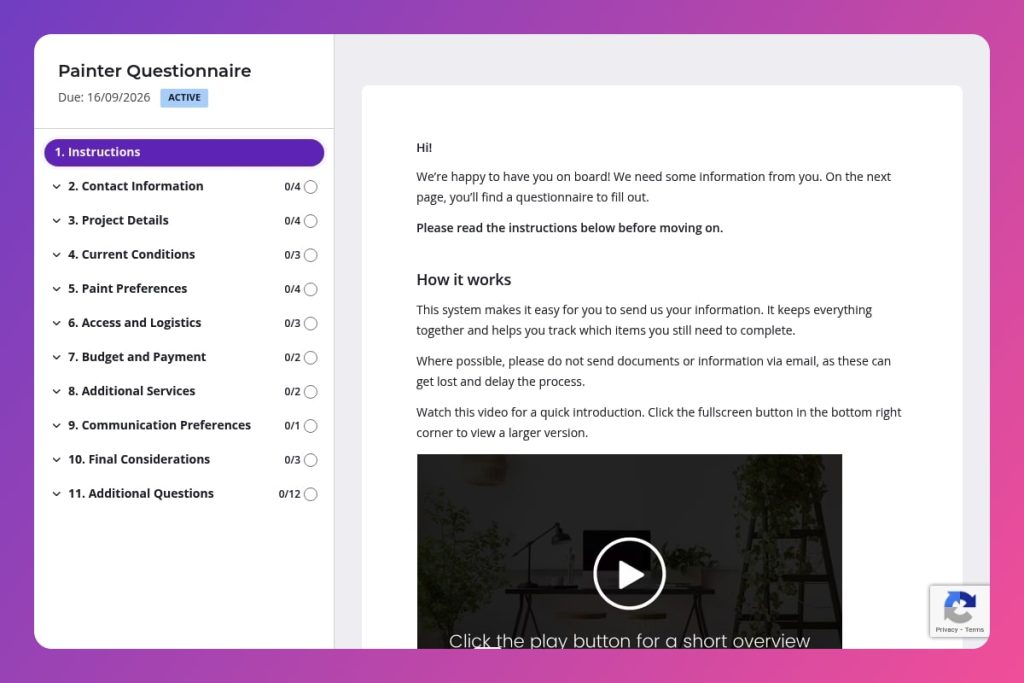


A pre-project intake form that collects property details, surface conditions, paint preferences, access requirements, and budget information before providing estimates or starting work.

Painting contractors, residential and commercial painters, and general contractors offering painting services who need complete project specifications to create accurate bids.

Send this immediately after initial client contact and before scheduling site visits, so you arrive prepared with the right questions and can identify budget mismatches early.
How many hours do you lose each week chasing down project details from clients? Missing information about surface conditions, access restrictions, or paint preferences leads to inaccurate bids, surprise delays, and costly rework. A painter questionnaire solves this problem by collecting every critical detail upfront - from room specifications and existing damage to budget expectations and site access. You get complete information before stepping foot on the property.
This post covers everything you need: what a painter questionnaire includes, how to use it effectively with clients, and a free template you can customize. You'll learn which questions prevent the most common miscommunications and how to streamline your intake process from first contact to project kickoff. Let's break it down.
Contact Information
Capture primary contact and site location to anchor scheduling and documentation.
Project Details
Define scope, areas, prep needs, and timing to size labor, materials, and schedule.
Current Conditions
Document substrate condition and potential hazards to plan remediation and prep.
Paint Preferences
Lock in brand, colors, finishes, and any health constraints to finalize specs and pricing.
Access and Logistics
Clarify site access, security, and staging constraints to plan crew flow and equipment.
Budget and Payment
Align on budget and payment to set expectations and streamline approvals.
Additional Services
Surface interest in ancillary work and design help to build a complete, efficient scope.
Communication Preferences
Confirm how the client wants updates and decisions handled.
Final Considerations
Capture any risks, expectations, and next steps that could affect delivery.
Send the form before your site visit: Get responses 24-48 hours ahead of your walk-through so you can review surface conditions, access restrictions, and special prep needs. You'll arrive prepared with the right questions and equipment, turning a basic consultation into a productive estimate session.
Use responses to spot budget mismatches early: Compare their budget estimate with the scope they've described - particularly if they've listed extensive prep work like mold remediation, lead paint removal, or drywall repair. A quick phone call to discuss realistic pricing saves you from investing hours in a detailed quote that won't convert.
Follow up on vague answers in the current conditions section: If a client writes "some cracks" or "normal wear," schedule a brief call to dig deeper. Surface damage dramatically affects your labor costs and timeline, and clients often underestimate what "minor issues" actually means. Pin down specifics before you commit to a price.
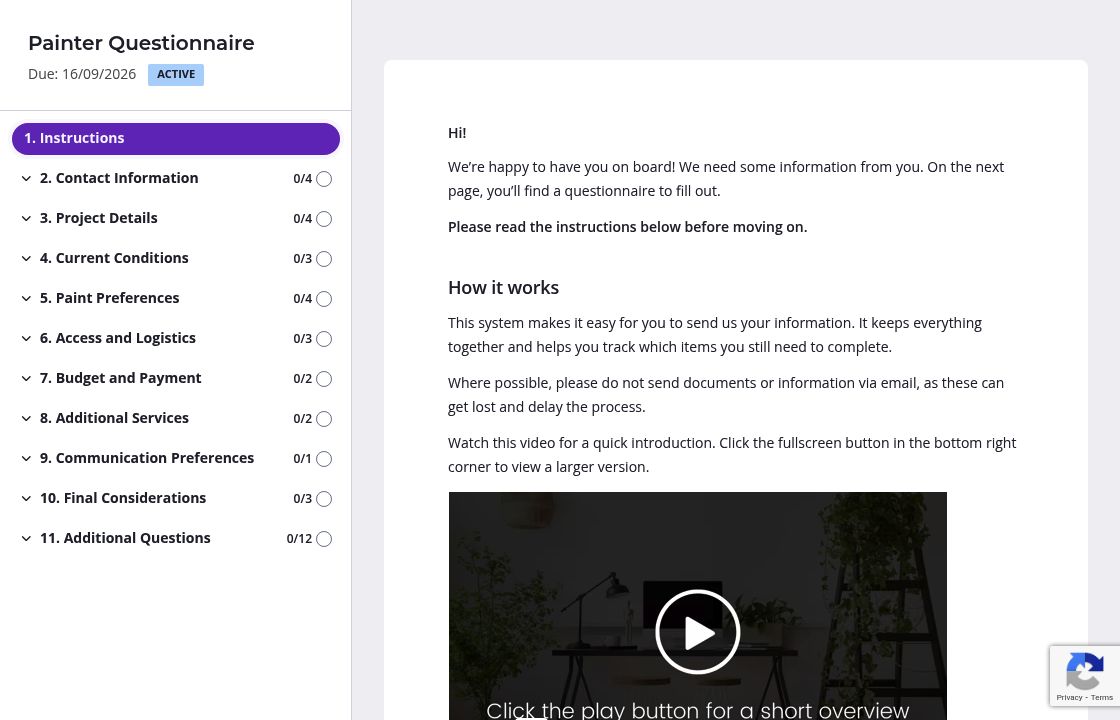
Clients often underestimate surface damage or don't know what counts as "special preparation." Add clarifying instructions to the Current Conditions and Project Details sections explaining what you need to know. A quick note like "Include any water stains, peeling paint, cracks wider than 1/8 inch, or uneven textures" helps clients give you accurate information the first time. You'll get fewer surprise issues during the walk-through.
You likely captured basic contact details and property address during your initial conversation. Delete those questions or pre-fill the answers before sending the form. Clients appreciate not repeating themselves, and you'll get faster responses when the questionnaire feels personalized rather than generic.
Not every client needs wallpaper removal or drywall repair. Set up conditional questions that only appear when relevant - if someone indicates existing damage in the Current Conditions section, show follow-up questions about repair services. You'll gather detailed information from clients who need it without overwhelming everyone else with unnecessary questions.
Clients get busy and forget to complete forms, but chasing them down wastes your time. Automatic reminders handle follow-up for you, sending gentle nudges at intervals you choose. You stay top of mind without manually tracking who hasn't responded or worrying about seeming pushy.
Email and PDF forms create chaos. Clients send incomplete responses buried in thread after thread. You waste hours tracking down missing details about surface conditions, paint preferences, or site access. Content Snare keeps everything organized in one place with automatic follow-ups that chase clients for you. You look professional without the manual work.
Thousands of businesses worldwide trust Content Snare to collect client information efficiently. It integrates with the tools you already use and adapts to how you work. The platform is ISO 27001 certified, so sensitive property details and budget information stay secure.
This form is just one way to streamline your construction business. Content Snare works for any situation where you need information from clients or subcontractors:
The platform has hundreds of 5-star reviews across G2, Capterra, and Trustpilot. Construction professionals use it because it eliminates the back-and-forth that kills productivity.


