
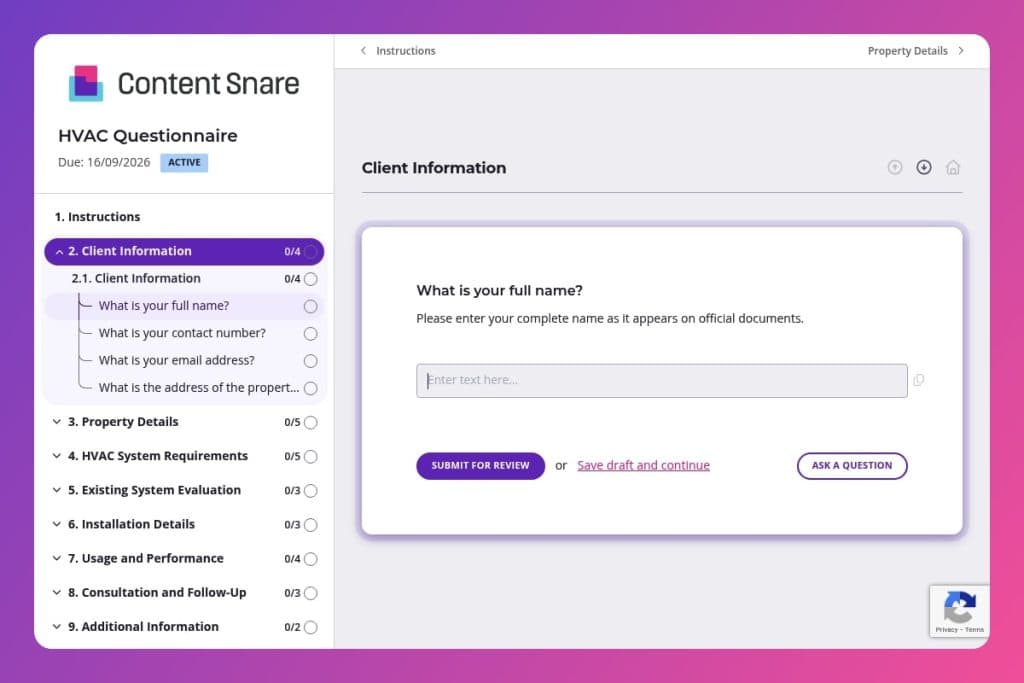


A pre-consultation questionnaire that collects property specifications, existing system details, budget parameters, and installation requirements before scheduling HVAC site visits or quotes.

HVAC contractors, mechanical contractors, and construction project managers who need complete property and system information to prepare accurate proposals and avoid on-site surprises.

Send immediately after a prospect expresses interest and before the first phone call or site visit to eliminate basic fact-finding and arrive prepared with relevant equipment recommendations.
Miscommunication on HVAC projects costs you time and money. A contractor shows up unprepared because they didn't know about the three-story layout or existing ductwork issues. The client expected central air when you quoted a split system. Budget conversations happen on-site instead of upfront. These delays are preventable.
An HVAC questionnaire solves this. It captures property details, system requirements, budget parameters, and site constraints before anyone picks up a phone. You'll learn what this form should include, how to use it effectively with clients, and get access to a ready-to-use template. Let's break it down.
Client Information
Capture core contact and site details to anchor the record and streamline scheduling.
Property Details
Establish building context for load calculations, zoning decisions, and retrofit constraints.
HVAC System Requirements
Clarify preferences and constraints that drive system selection, pricing, and incentives.
Existing System Evaluation
Log system age, issues, and service history to guide repair-versus-replace decisions and scope.
Installation Details
Surface timing expectations and site constraints that affect labor planning and change orders.
Usage and Performance
Map occupancy and comfort gaps to size equipment, plan zoning, and address IAQ.
Consultation and Follow-Up
Define next steps and reduce back-and-forth on scheduling.
Additional Information
Capture project nuances that do not fit neatly into other sections.
Send it before the first call: Get the HVAC questionnaire to prospects as soon as they express interest. You'll walk into conversations already knowing property size, existing system age, and budget range - no time wasted on basic fact-finding.
Flag access issues early: Pay close attention to responses about installation restrictions and property stories. A three-story commercial building with narrow hallways changes your equipment recommendations and crew planning entirely. Address these logistics upfront, not on installation day.
Use budget responses to pre-qualify: The budget range question tells you whether to propose a basic split system or a high-efficiency zoned setup. It also reveals mismatched expectations early - if someone wants a full commercial retrofit for $5,000, you can educate them before drafting a detailed proposal.
Cross-reference occupancy with system sizing: Don't just look at square footage. A 2,000 sq ft office with 30 employees has different cooling demands than a same-sized space with 5 people. Match their usage patterns answer with property details to avoid undersizing.
Follow up on "specific issues" responses: When clients mention temperature control problems or current system failures, schedule your site visit around investigating those exact concerns. Bring diagnostic tools for the rooms they flagged. It shows you read their answers and builds immediate credibility.
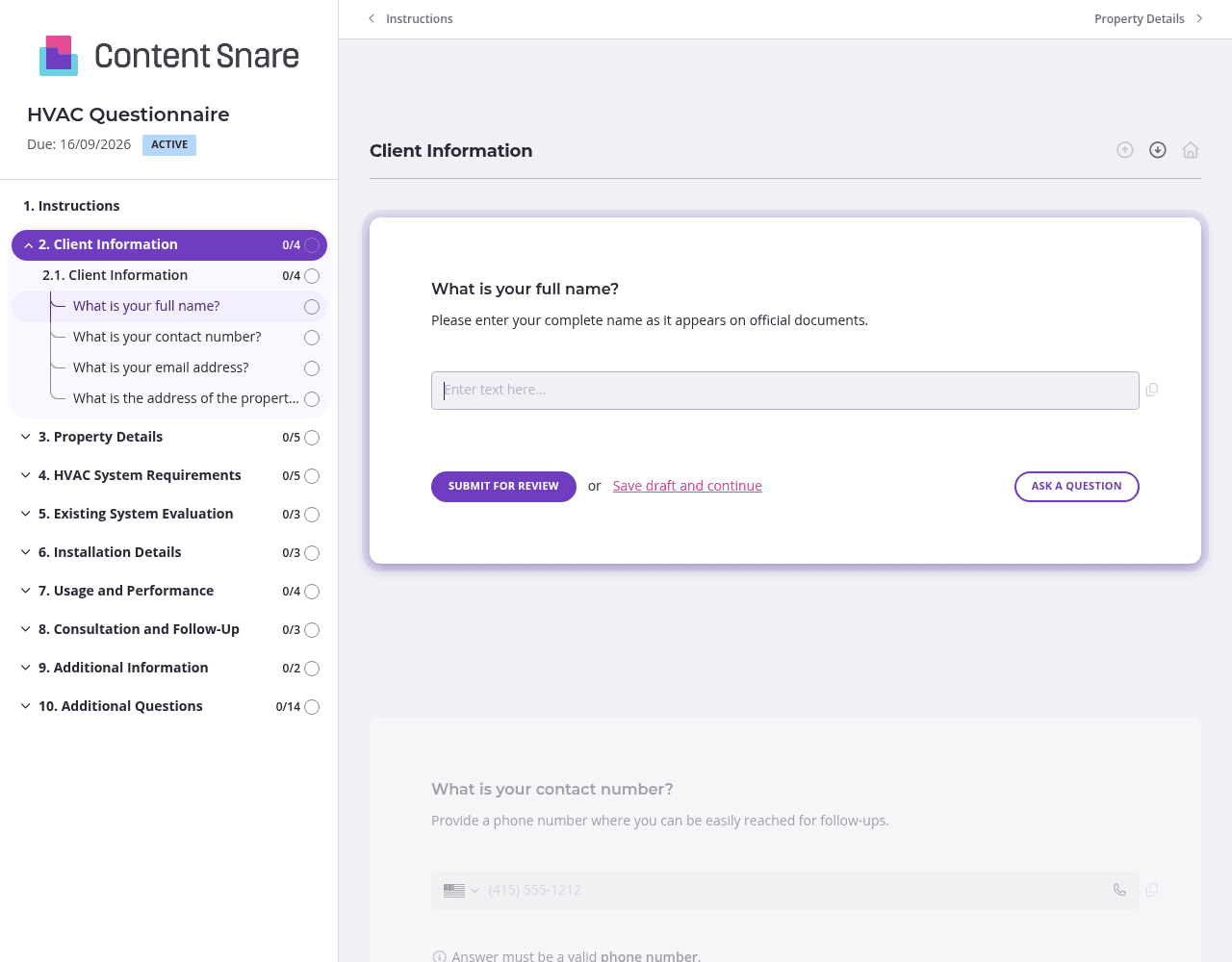
This HVAC questionnaire covers a lot of ground - from basic contact info to system specifications to site visit scheduling. Split it into separate pages: Client Information, Property Details, System Requirements, and Installation Planning. Clients won't feel overwhelmed by a wall of questions, and they can save progress between sections. You'll get more complete responses and fewer abandoned forms.
Use conditional logic to streamline the experience. If someone says "no existing HVAC system," hide the questions about current system age, recent maintenance, and specific issues. Commercial properties might need different follow-up questions than residential ones. Clients only see what applies to their situation, making the form faster to complete and reducing confusion.
Square footage, BTU requirements, and ductwork assessments can confuse clients who aren't familiar with HVAC terminology. Add brief instruction text under questions like "total square footage" (include all floors and conditioned spaces) or "existing system type" (check your thermostat or outdoor unit for model details). A quick clarification prevents back-and-forth emails and gives you accurate data the first time.
HVAC projects are expensive decisions - clients often start the form and get distracted. Content Snare sends automatic follow-ups so you don't have to chase people down or wonder if they lost interest. You stay top of mind without feeling pushy, and prospects complete their questionnaires without you lifting a finger.
Google Forms and email chains don't cut it for professional contractors. Content Snare gives you a client-facing intake system that looks polished, sends automatic reminders, and integrates with your existing tools. You'll spend less time chasing information and more time winning projects.
The platform is trusted by thousands of businesses worldwide and holds ISO 27001 certification for security - critical when you're collecting client property details and budget information. It integrates seamlessly with CRMs, project management tools, and accounting software you already use.
Your HVAC questionnaire is just the start. Construction professionals use Content Snare to collect information across their entire client lifecycle:
The platform is highly customizable, so you can adapt forms to match your brand and specific workflows. With hundreds of 5-star reviews across G2, Capterra, and Trustpilot, Content Snare delivers the reliability construction businesses need to keep projects moving.


