
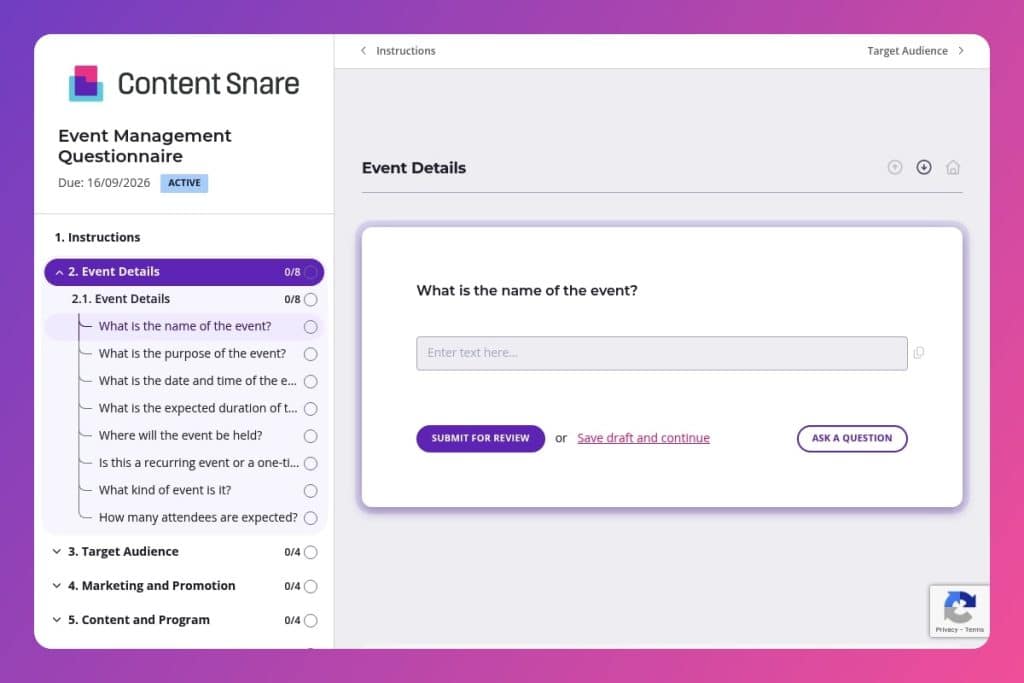


A client intake form that captures essential event planning details including venue requirements, target audience, budget constraints, technical specifications, and success metrics before project kickoff.

Digital agencies managing event campaigns for clients who need to gather comprehensive briefs covering logistics, promotion strategies, content programming, and post-event deliverables in one structured submission.

Send this 48 hours before the initial client meeting to replace scattered email threads with organized responses that inform your kickoff strategy and prevent scope misalignment.
Your client needs a product launch event for 500 people in six weeks. They email you scattered details across four different threads. You're missing the budget, the venue specs are vague, and nobody's confirmed whether there's actually a keynote speaker. Sound familiar?
Event projects spiral when critical information lives in your inbox instead of one central place. An event management questionnaire fixes this. You gather everything upfront - budget, audience demographics, technical requirements, success metrics - so nothing falls through the cracks. This post covers what makes an effective questionnaire, how to use it in your client workflow, and includes a free template you can customize. Let's dive in.
Event Details
These items establish scope, format, timing, and scale so you can align resourcing and lead times.
Target Audience
Clarify who you’re building for and any access considerations that affect programming and registration.
Marketing and Promotion
Define promotional objectives, channels, and brand parameters to prevent rework and compliance issues.
Content and Program
Lock the program framework so production, staffing, and comms can proceed without churn.
Logistics and Technical Requirements
Capture venue/platform specs, production needs, and security so vendors and risk controls match requirements.
Budget and Financials
Set financial boundaries and revenue levers to guide scope, pricing, and ROI modeling.
Post-Event Expectations
Define success and follow-through so measurement and nurturing plans are in place early.
Send it before the kickoff call: Get the questionnaire to your client 48 hours before your first meeting. You'll show up already knowing their budget range, expected attendance, and whether they need a physical venue or virtual platform. The call becomes strategic instead of administrative.
Break it into phases for complex events: Large-scale events can overwhelm clients with a 40-question form. Send the Event Details and Target Audience sections first, then follow up with Marketing and Logistics once the fundamentals are locked in. This keeps momentum going and prevents the dreaded half-completed submission.
Use the budget section as a reality check early: The gap between "We want a gala for 300 people" and "Our budget is $15,000" reveals itself fast when clients see those questions together. Address this misalignment in your response, not three weeks into planning.
Turn vague answers into follow-up gold: When a client writes "professional audience" for demographics or "promote on social media" for marketing platforms, you've found your clarification list. Draft specific follow-ups: "Which industries? What age range? LinkedIn, Instagram, or both?" These details prevent costly pivots later.
Create a project brief from their responses: Don't let the completed questionnaire sit in your system. Transform it into a one-page event brief that becomes your shared reference document. When scope creep happens (and it will), you can point back to the stated objectives, target audience, and budget constraints they originally confirmed.
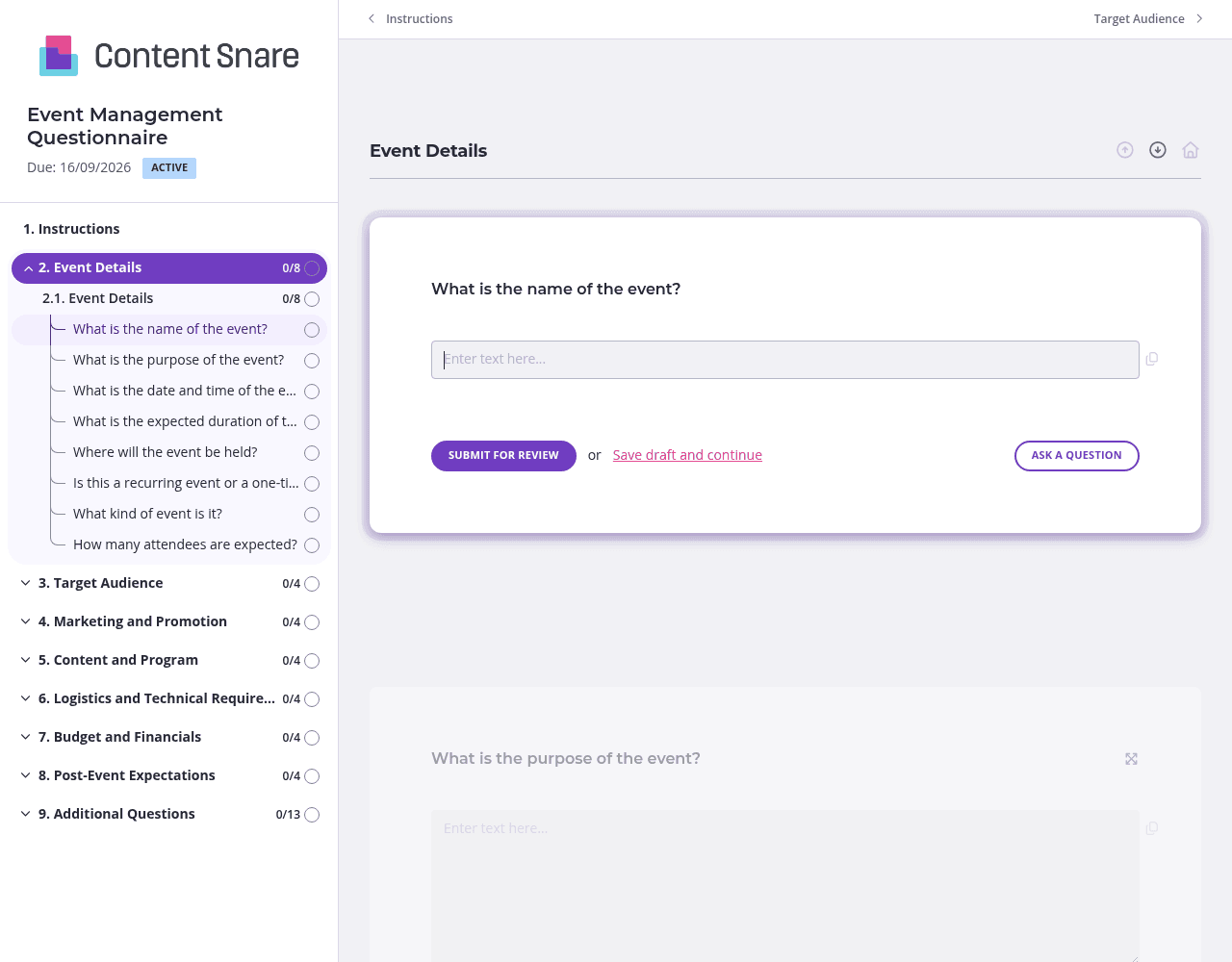
Event planning questionnaires get long fast. Nobody wants to scroll through 40+ questions about budgets, logistics, speakers, and post-event metrics all at once.
Organize your form into clear pages: Event Basics, Audience & Promotion, Logistics & Technical Needs, and Budget & Goals. Your client tackles one focused area at a time instead of facing decision fatigue. They can save progress and come back when they need to check with their finance team about the budget or confirm venue requirements with their operations lead.
Not every question applies to every event. A virtual conference doesn't need transportation arrangements. A free community event doesn't have a ticket pricing model.
Set up conditional logic so clients only see what matters to their situation. When someone selects "virtual event" for the venue type, hide the physical location and accommodation questions. When they choose "free event," skip the entire pricing structure section. You get cleaner responses, and clients aren't left writing "N/A" across half your form.
The Logistics and Technical Requirements section can confuse clients who aren't familiar with AV specs, streaming platforms, or accessibility standards. Text explanations only go so far.
Record a quick 60-second video explaining what you mean by "special technical requirements" with examples: Do they need livestreaming? Breakout room capabilities? Specific audio equipment for 500-person venues? Embed it right above those questions. Clients get clarity immediately, and you avoid the back-and-forth email thread asking for clarification.
Event timelines are tight. You can't afford to wait days for client responses about critical details like venue capacity or speaker confirmations.
Automatic reminders keep things moving without you playing the bad guy. Your client gets a gentle nudge if they haven't completed the Budget section or left the Target Audience questions blank. You stay focused on actual event planning instead of chasing down basic information.
Email threads lose details. Shared documents get messy with conflicting edits. Phone calls require you to frantically type notes while your client talks. Content Snare gives you a structured, professional way to collect event information that actually gets completed - with automatic reminders, progress tracking, and a client experience that doesn't feel like homework.
Your clients see a branded form that looks like it came from you, not a generic survey tool. Responses flow directly into your workflow through integrations with your project management and CRM tools. You spend less time chasing information and more time executing brilliant events.
Content Snare is ISO 27001 certified and trusted by thousands of agencies worldwide, with hundreds of 5-star reviews across G2, Capterra, and Trustpilot. Your client data stays secure while you maintain the polished, professional image your agency has built.
Digital agencies use Content Snare throughout their client lifecycle:
The same features that make event planning smoother - automatic follow-ups, conditional logic, progress tracking - work across every client information bottleneck in your agency.


