
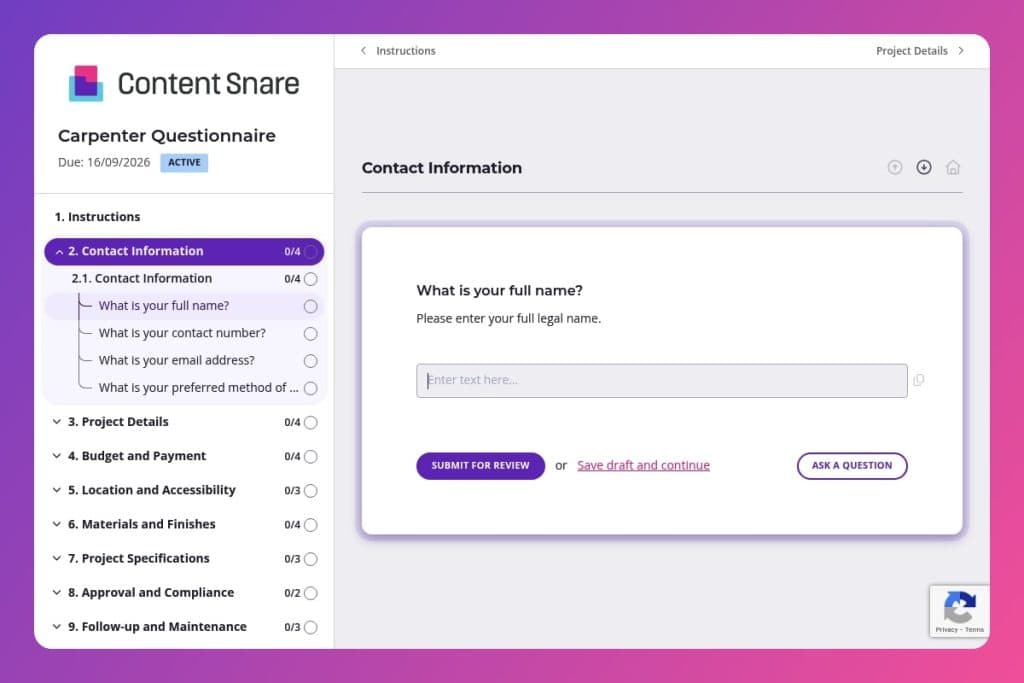


A comprehensive intake form that captures carpentry project specifications, material preferences, budget parameters, site logistics, and compliance requirements before work begins.

Construction firms, general contractors, and carpentry businesses who need to gather detailed client information to provide accurate quotes and prevent miscommunication about project scope and expectations.

Send this form immediately when a potential client expresses interest in carpentry services, before the initial consultation or site visit, to ensure productive conversations and realistic project planning.
Miscommunication with carpenters costs construction firms thousands in rework and delays. A client expects oak cabinets but gets pine. Timeline expectations clash, and budget conversations happen too late. Site access issues surprise everyone on day one.
A carpenter questionnaire solves this before the first cut. It captures project specs, material preferences, budget parameters, and site logistics upfront - eliminating guesswork and preventing costly mistakes. This post covers what makes an effective carpenter questionnaire, how to use it to streamline your intake process, and includes a free template you can customize. Let's dive in.
Contact Information
Capture reliable contact details and the client’s preferred channel to streamline follow-ups.
Project Details
Establish core project parameters to frame feasibility, estimating, and scheduling.
Budget and Payment
Surface budget constraints and payment preferences to qualify scope and pricing approach.
Location and Accessibility
Confirm site location and access conditions to plan logistics and resource needs.
Materials and Finishes
Clarify material choices and finish expectations to align cost, availability, and performance.
Project Specifications
Pin down constraints and required features to inform design options and build methodology.
Approval and Compliance
Identify regulatory requirements early to avoid delays and rework.
Follow-up and Maintenance
Set expectations for updates and post-project care to support client experience and retention.
Feedback and Preferences
Gather context on past experiences, anticipated challenges, and preferences to tailor delivery.
Send it before the first meeting: Get the carpenter questionnaire to potential clients as soon as they express interest. You'll walk into that initial consultation already knowing their budget range, timeline, and material preferences - making the conversation focused and productive instead of starting from scratch.
Use the materials section as a conversation starter: Most clients don't know the difference between hardwoods or finish types. When you see vague answers in the "Materials and Finishes" section, that's your cue. Bring samples to your next meeting and walk them through options based on their stated budget and project goals.
Flag compliance issues early: If a client indicates building codes, HOA guidelines, or permits apply to their project, address this immediately after receiving their submission. Don't wait until you've quoted the work. A quick call explaining the permit process saves everyone from timeline surprises and keeps expectations realistic.
Cross-reference budget with scope: Look at what they've described in "Project Details" alongside their stated budget range. If there's a clear mismatch, address it upfront with education, not judgment. Share what's realistic at their budget or offer phased approaches - this builds trust and positions you as the expert.
Create a project file from their responses: Copy their answers into your project management system or job folder immediately. Reference specific details from their submission throughout the project - especially their preferred contact method, update frequency preferences, and any site access restrictions. It shows you listen and keeps communication smooth from quote to completion.
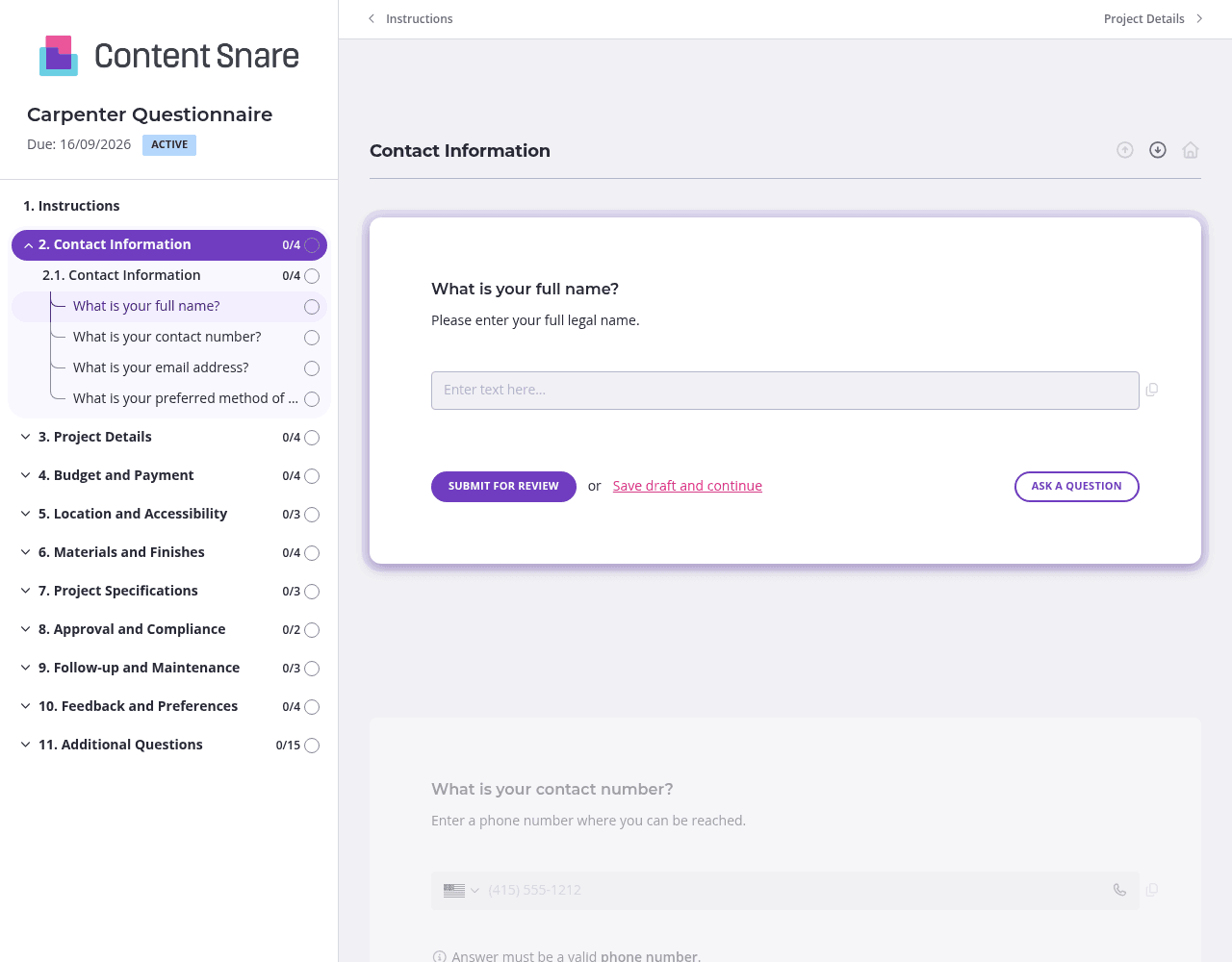
A carpenter questionnaire covers a lot of ground - from project specs to compliance requirements to material preferences. Split these into separate pages: one for project details, another for budget and materials, a third for site logistics and compliance. Clients can tackle one section at a time without feeling overwhelmed. They'll complete the form faster and give you more thoughtful answers.
The "Design Specifications" and "Materials and Finishes" sections can confuse clients who aren't familiar with carpentry terminology. Upload reference images showing different wood types, finish examples, or sample layouts. A quick screenshot of what you mean by "space constraints" or a photo gallery of past projects helps clients communicate what they actually want. You'll spend less time clarifying vague responses later.
Not every project needs permit assistance or ongoing maintenance services. Set up conditional logic so these sections only appear when applicable. If a client selects "custom cabinetry" as their project type, show questions about existing kitchen layouts. If they indicate HOA guidelines apply, reveal the compliance section. Clients see a streamlined form that feels personalized to their specific project.
You've likely exchanged emails or calls before sending the questionnaire. Delete or prefill the contact information section with details you already know. Jump straight to project specifics. It respects their time and signals you're organized - setting the right tone for the entire working relationship.
Email threads and PDF forms create chaos: clients forget to answer questions, and you chase the same people repeatedly. Information gets buried across multiple messages.
Content Snare eliminates the back-and-forth. Clients see exactly what you need in one organized questionnaire. Automatic reminders handle follow-ups for you - no awkward nudging required. Everything lives in one place, ready when you need it.
The platform integrates with tools you already use and comes trusted by thousands of businesses worldwide with hundreds of 5-star reviews across G2, Capterra, and other platforms. It's ISO 27001 certified, so client data stays secure - critical when you're collecting project specs, budgets, and site access details.
This form is just the start. Construction businesses use Content Snare for:
The same efficient system that streamlines your carpenter intake works across every information-gathering task in your business.


