
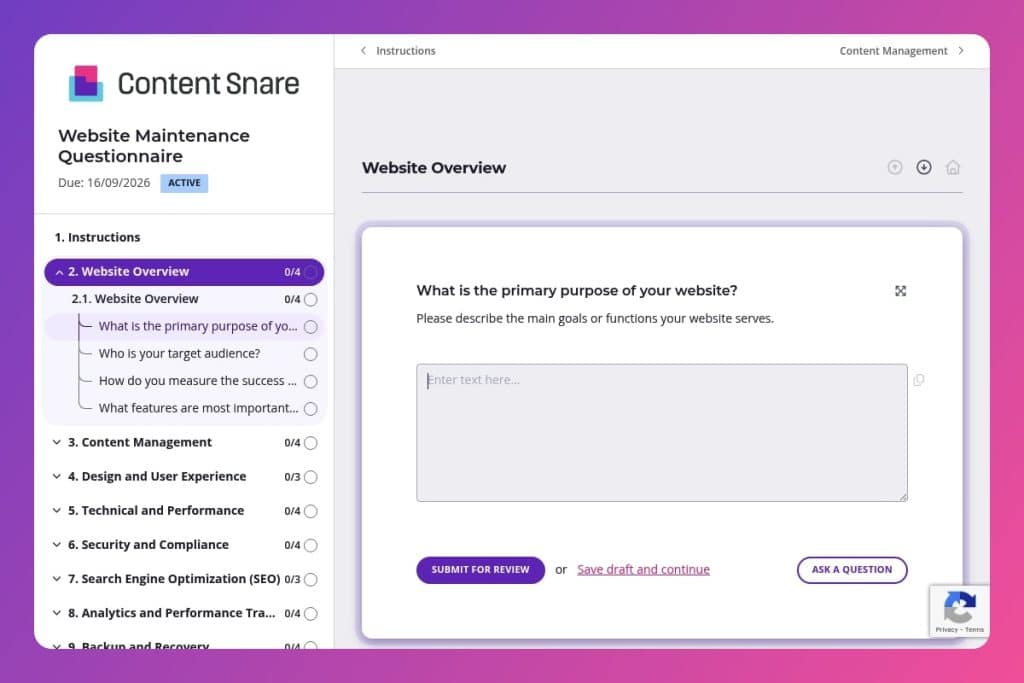


A pre-contract questionnaire that captures technical details, security status, content workflows, SEO strategy, and backup systems before committing to a website maintenance agreement.

Digital agencies onboarding new maintenance clients who need to audit hosting infrastructure, plugin health, compliance requirements, and existing support gaps to scope accurate service agreements.

Send 24-48 hours before discovery calls when taking over website maintenance, or during initial client intake to uncover hidden technical issues and build custom maintenance plans.
Ever taken over a client's website only to discover broken plugins, outdated SSL certificates, or a "backup system" that hasn't run in six months? These surprises kill timelines and eat into your margins. A website maintenance questionnaire solves this by capturing every technical detail, compliance requirement, and content workflow upfront - before your team commits to a maintenance contract.
This post covers what makes an effective website maintenance questionnaire, how to use it during client onboarding, and tips for tailoring questions to uncover hidden issues. You'll also get a free template you can customize and deploy immediately. Let's break it down.
Website Overview
Clarify business objectives and success criteria to set maintenance priorities and focus.
Content Management
Pin down cadence, ownership, upcoming changes, and where content support is needed.
Design and User Experience
Capture UX fit and known pain points that drive scope and quick wins.
Technical and Performance
Surface infrastructure context, defects, speed concerns, and plugin health that affect stability.
Security and Compliance
Establish current risk posture and required obligations before making changes.
Search Engine Optimization (SEO)
Align maintenance tasks with visibility goals and the current SEO roadmap.
Analytics and Performance Tracking
Confirm observability and the KPIs stakeholders expect to see.
Backup and Recovery
Validate resilience posture and recovery readiness.
Additional Support and Improvement
Identify roadmap items, training needs, and maintenance rhythm.
Send it before the discovery call, not after: Get clients to complete the website maintenance questionnaire 24-48 hours before your initial meeting. You'll walk into that call knowing about their broken plugins, outdated SSL certificates, and content update workflows - so you can spend the time proposing solutions instead of gathering basic information.
Flag the technical and security sections as priorities: Clients often breeze through questions about design preferences but skim over critical details like backup frequency, hosting providers, and SSL status. When you send the form, explicitly call out the Technical and Performance, Security and Compliance, and Backup and Recovery sections. Tell them these answers directly impact your maintenance scope and pricing - that usually gets their attention.
Use their answers to build a custom maintenance plan: Don't just file away the responses. Pull specific details - like their SEO goals, analytics gaps, or requests for content support - and reference them in your proposal. When a client sees you've addressed their concern about loading speed or their need for quarterly content updates, it shows you listened. It also makes upselling additional services (like SEO audits or performance optimization) feel like a natural next step, not a cold pitch.
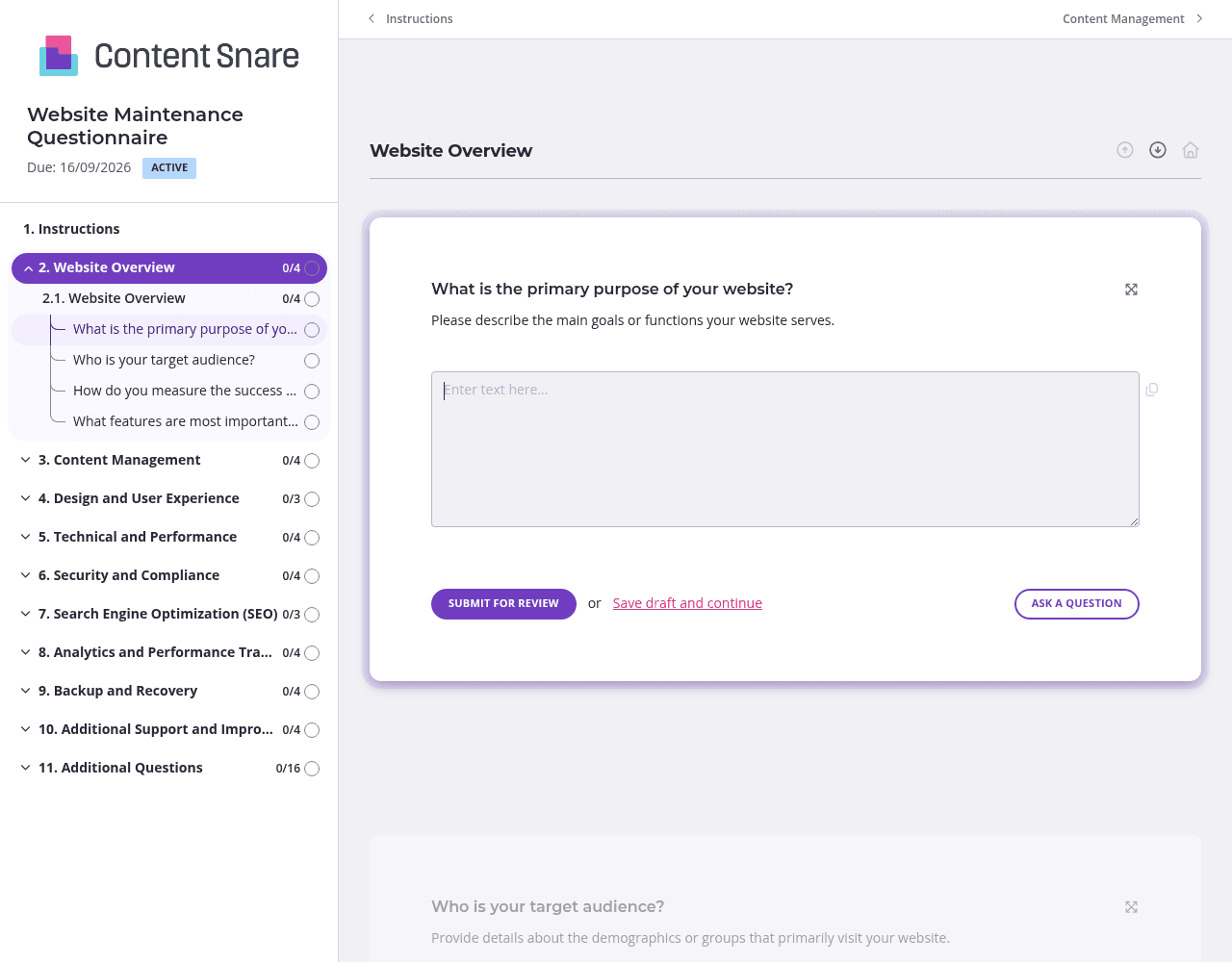
The website maintenance questionnaire covers a lot of ground - from technical specs to SEO strategy to backup protocols. Dumping all those questions on one endless page overwhelms clients and tanks completion rates.
Split the form into separate pages that mirror how clients think: Website Overview, Technical & Performance, Security & Compliance, SEO & Analytics, and so on. Each page feels manageable. Clients can save progress and come back later without losing their work. You'll see higher completion rates and more thoughtful answers.
You likely have basic information about the client already - their website URL, hosting provider, current analytics setup, or who handles content updates. Prefill those fields before sending the form.
This does two things: saves your client time (they're more likely to complete it quickly) and shows you've done your homework. Delete questions entirely if they're not relevant to a specific client. A boutique e-commerce site doesn't need the same maintenance scope as a corporate blog, so tailor the form accordingly.
Questions about SSL certificates, disaster recovery plans, or compliance standards can confuse clients who aren't technical. They'll either skip the question, guess, or send you a Slack message asking what you mean.
Use instruction areas to add quick explanations or examples directly below each question. For "Do you have a disaster recovery plan in place?" add a line like: "This means a documented process for restoring your site if data is lost or your hosting goes down." Clients get it right the first time. You avoid the back-and-forth.
Clients get busy. They open your website maintenance questionnaire, answer three questions, then get pulled into a meeting and forget about it.
Automatic reminders solve this without you having to chase anyone down. Schedule a gentle nudge after 3 days, then another at 7 days. The reminders come from your branded email address, so it feels like a helpful follow-up - not nagging. You get responses faster and can move to the scoping phase without delays.
Email threads and shared Google Docs fall apart fast when you're trying to collect detailed maintenance information from clients. Questions get missed, answers scatter across messages, and you waste hours chasing follow-ups. Content Snare keeps everything organized in one place, with automatic reminders that do the nagging for you and a clean interface clients actually enjoy using.
It's trusted by digital agencies worldwide and integrates seamlessly with tools you already use - like your project management software, CRM, and communication platforms. You get hundreds of 5-star reviews across G2, Capterra, and Trustpilot because it simply works better than cobbling together spreadsheets and email.
Content Snare is also ISO 27001 certified, so when you're collecting sensitive details about hosting credentials, security protocols, or compliance requirements, both you and your clients can trust the platform.
This website maintenance questionnaire is just one use case. Agencies rely on Content Snare for:


