
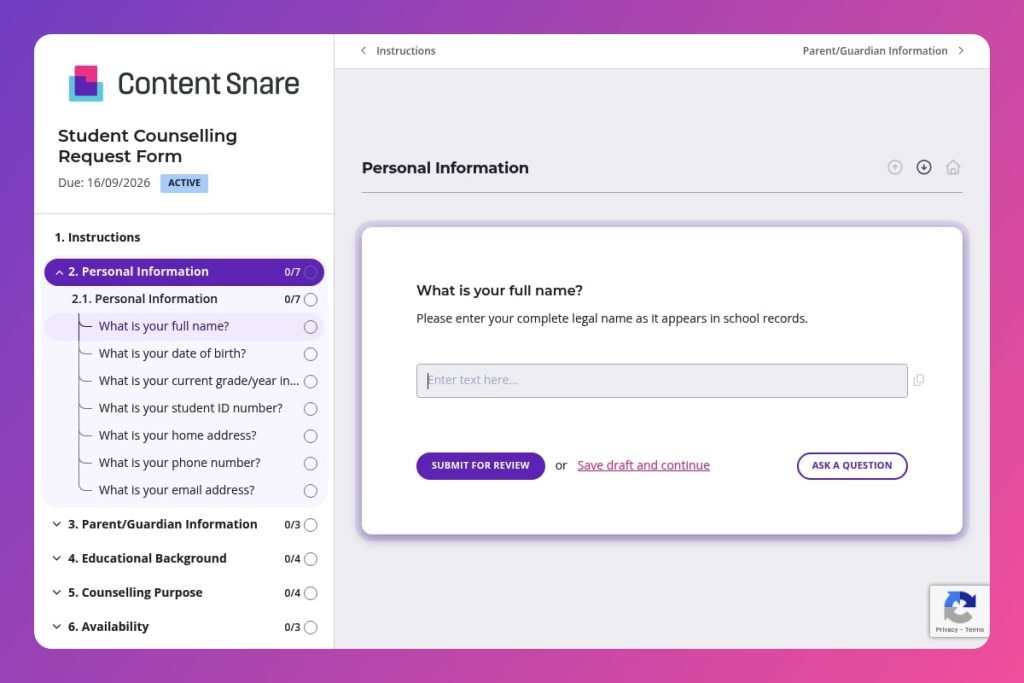


A digital intake form that collects student personal details, counselling goals, session availability, parental consent, and relevant background information to initiate counselling support.

School counsellors, student services coordinators, and mental health professionals in K-12 schools and colleges who need to streamline counselling requests and triage student needs efficiently.

When a student self-refers for counselling support, when staff make referrals on behalf of students, or at the start of each academic term to proactively identify students who may benefit from counselling services.
70% of students who need counselling support never request it. The barrier? Complicated intake processes, unclear referral pathways, and forms that feel intimidating or time-consuming. When students struggle to access help, their academic performance, mental health, and overall wellbeing suffer - and your staff spend hours chasing incomplete information or managing walk-in crises.
A student counselling request form streamlines the entire intake process. It captures essential details - student information, counselling goals, availability preferences, and consent - in one organized submission. You'll reduce administrative back-and-forth, prioritize urgent cases faster, and give students a clear, dignified way to ask for support. This post covers what makes an effective form, practical tips for implementation, and a free template you can customize. Let's dive in.
Personal Information
Core identifiers and primary contact methods for record linkage and follow-up.
Parent/Guardian Information
Caregiver contacts for consent, coordination, and emergencies.
Educational Background
Academic context and workload indicators to inform triage and planning.
Counselling Purpose
Presenting concerns, history, and goals to guide triage, risk appraisal, and counsellor matching.
Availability
Scheduling parameters and modality preferences to streamline booking and assignment.
Additional Information
Catch-all context plus health and referral notes relevant to safety and service delivery.
Consent
Explicit permissions governing data sharing, terms acceptance, and caregiver involvement.
Brief students before they fill it out: Send a short explanation email or announcement clarifying what counselling involves and how their information will be used. Many students hesitate because they don't understand the process or worry about confidentiality. A quick reassurance increases completion rates and helps them provide more thoughtful responses about their counselling goals.
Make the "Counselling Purpose" section feel approachable: Questions like "What is the primary reason for requesting counselling?" can feel exposing. Provide examples in your form instructions (academic stress, peer relationships, family concerns) so students know it's okay to be honest. The more specific their initial request, the better you can match them with the right counsellor and prepare for that first session.
Use availability data to schedule proactively: Once submissions come in, check the "Availability" responses immediately and send appointment options within 24 hours. Students often lose momentum if they wait too long. Acknowledging their request quickly - even if the first session is a week away - shows you're taking them seriously.
Flag urgent cases with a triage system: Review the "Counselling Purpose" and "Additional Information" sections first for red flags or crisis language. Create a simple priority system (urgent/routine) so high-risk students get same-day contact from a qualified counsellor, while general academic or career counselling follows your standard scheduling.
Follow up with parents when consent is given: If a student selects "yes" for parental involvement in the consent section, reach out to the listed guardian with a brief update that their child has requested support. This builds trust with families and ensures you're meeting any legal notification requirements for minors.
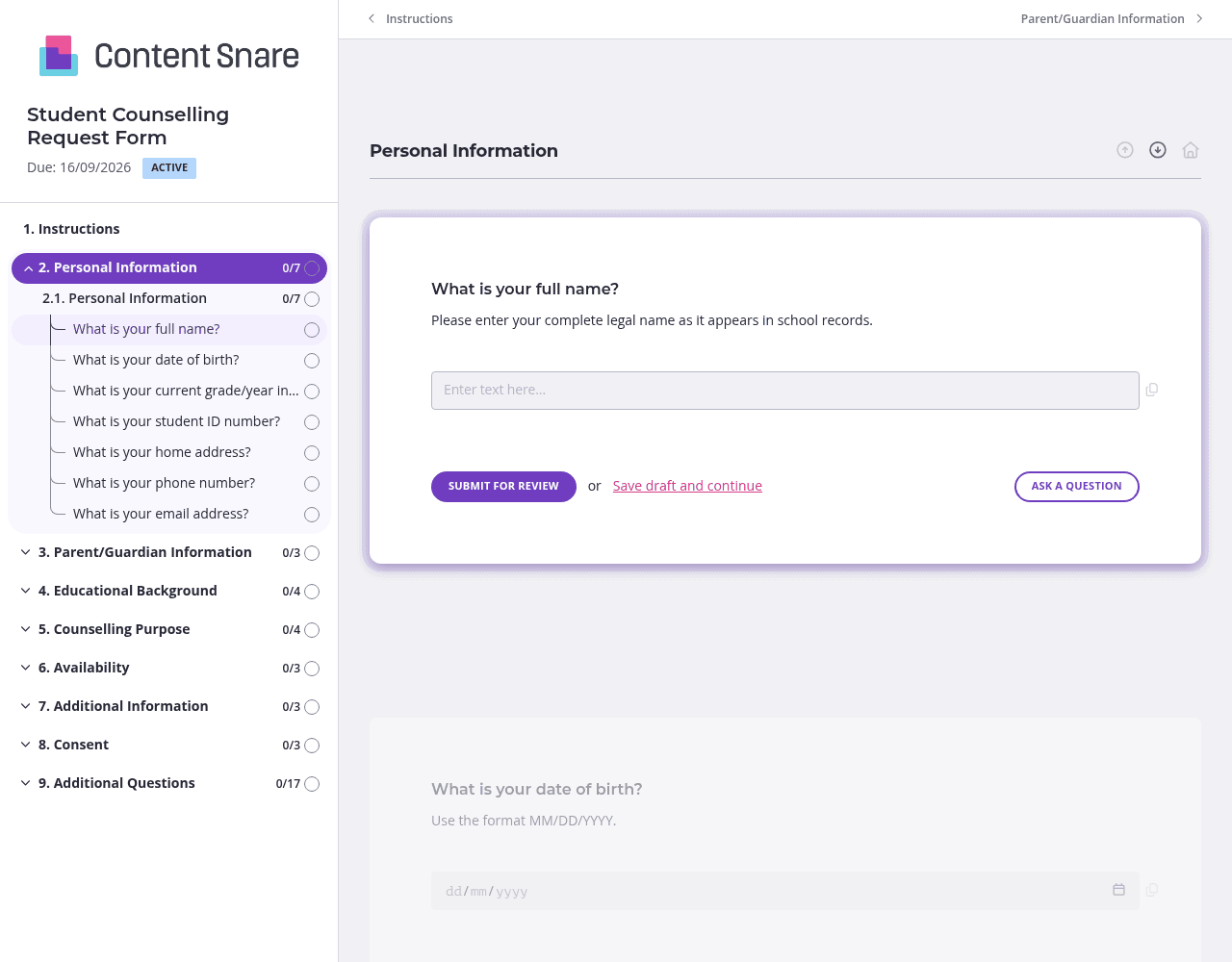
Students can feel overwhelmed when they see a long counselling request form all at once. Organize questions into separate pages: Personal Information, Counselling Purpose, Availability, and Consent. This makes the process less intimidating and helps students focus on one topic at a time. They'll provide more thoughtful answers when they're not mentally counting how many fields are left.
You likely have student names, IDs, grade levels, and contact information in your student management system. Prefill these fields before sending the form so students only answer what you don't know - particularly the counselling-specific questions. This cuts completion time in half and shows you've done your homework. Students are more likely to finish a form that feels personalized and respects their time.
The "Counselling Purpose" section asks personal questions that students might struggle to answer. Add brief instructions or examples above these fields: "We're here to help with anything from academic stress to personal challenges. The more you share, the better we can support you." You can include reassuring video messages from your counselling team or simple text explanations. Clear guidance increases honest responses and reduces incomplete submissions.
Students have busy schedules and good intentions. Automatic reminders ensure they complete the form without you having to send awkward follow-up emails. You stay supportive rather than nagging, and students get the gentle nudge they need. This is especially important for counselling requests - if a student doesn't complete the form, they don't get help, and you might never know they needed it.
Email threads and paper forms create chaos when collecting sensitive student information. Content Snare centralizes everything in one secure location, sends automatic follow-ups so no request falls through the cracks, and gives you a professional intake process that builds trust with students and parents. It's ISO 27001 certified and trusted by thousands of businesses worldwide - the security standard matters when handling student data.
You get a system that actually works for your team. Counsellors can access submissions instantly, review requests by priority, and schedule appointments without digging through spreadsheets or email folders. Students appreciate the clean, mobile-friendly experience that feels modern and private.
Content Snare integrates with the tools you already use, from student information systems to calendar apps, so data flows where it needs to go without manual entry.
This form is just one application. Schools and colleges use Content Snare for:
The platform adapts to whatever information you need to collect, keeping everything organized and secure in one place.


